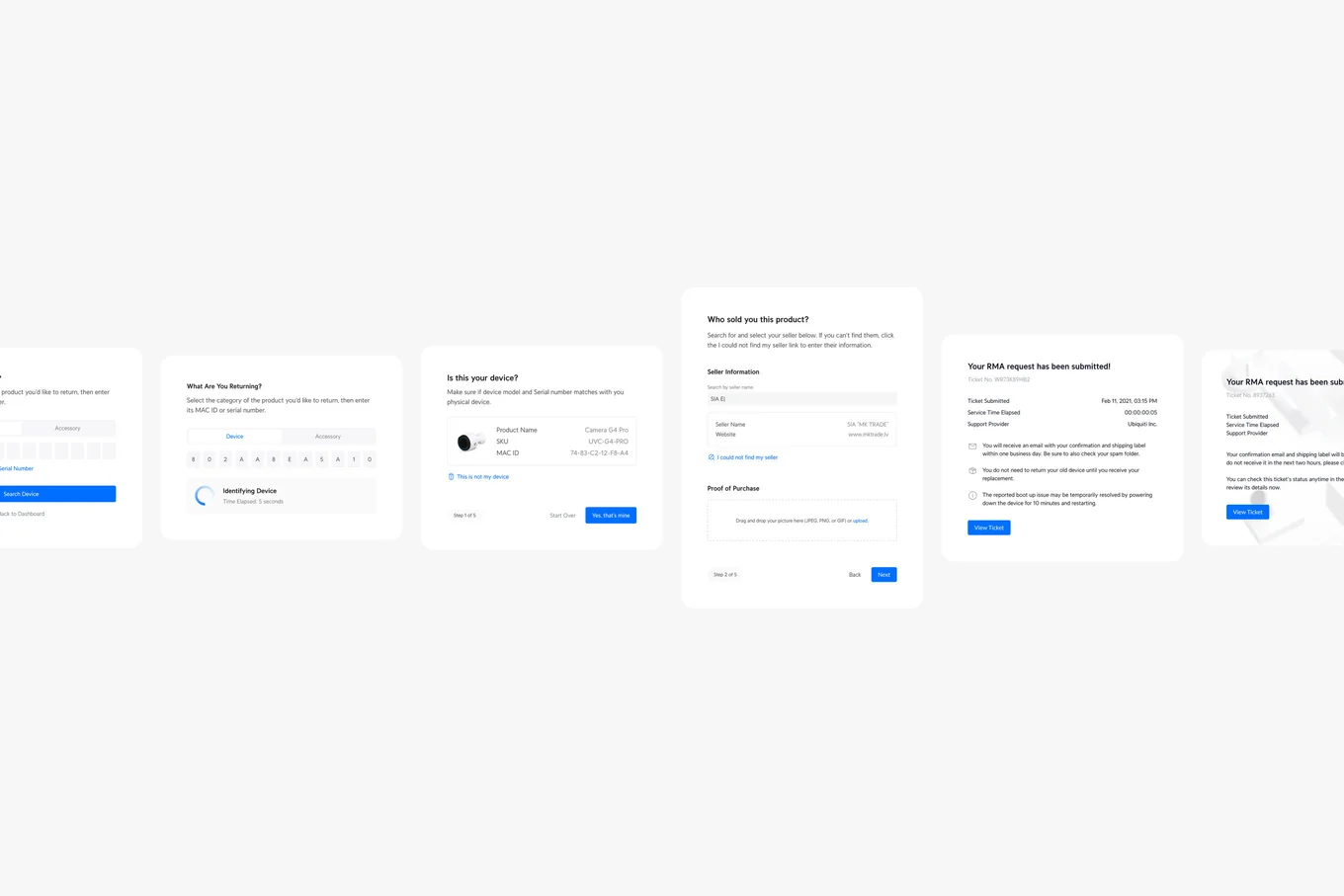
Ubiquiti RMA Portal
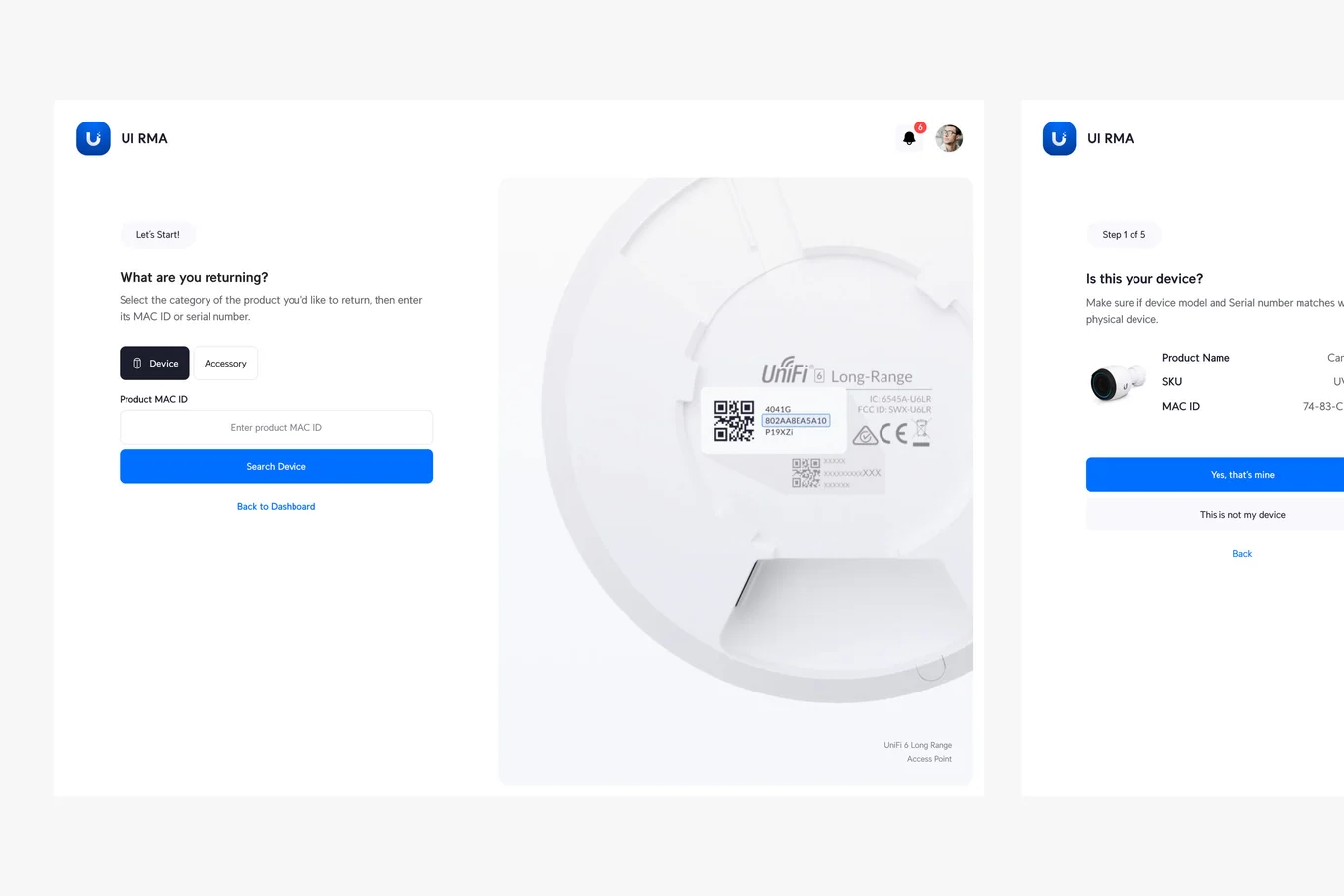
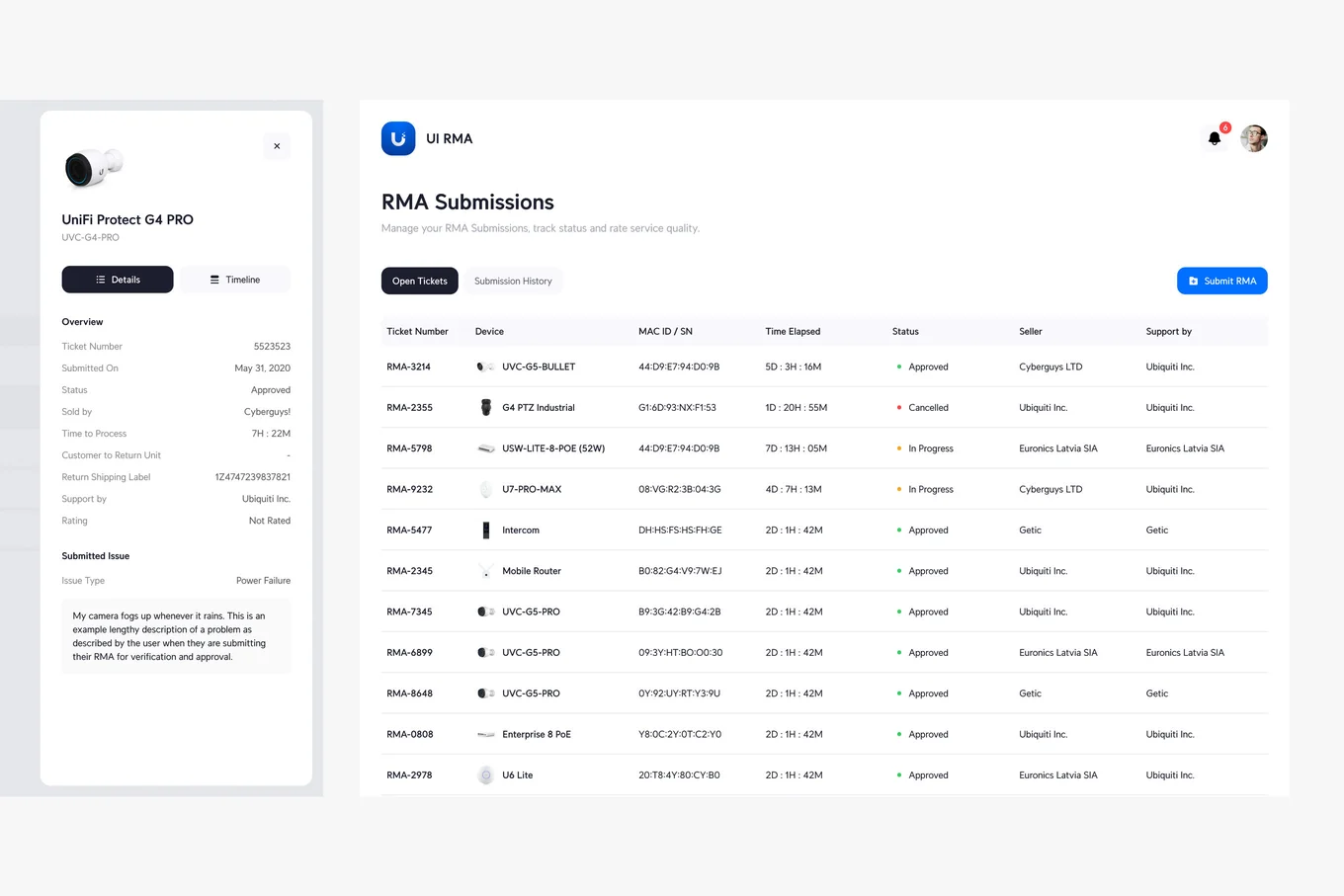
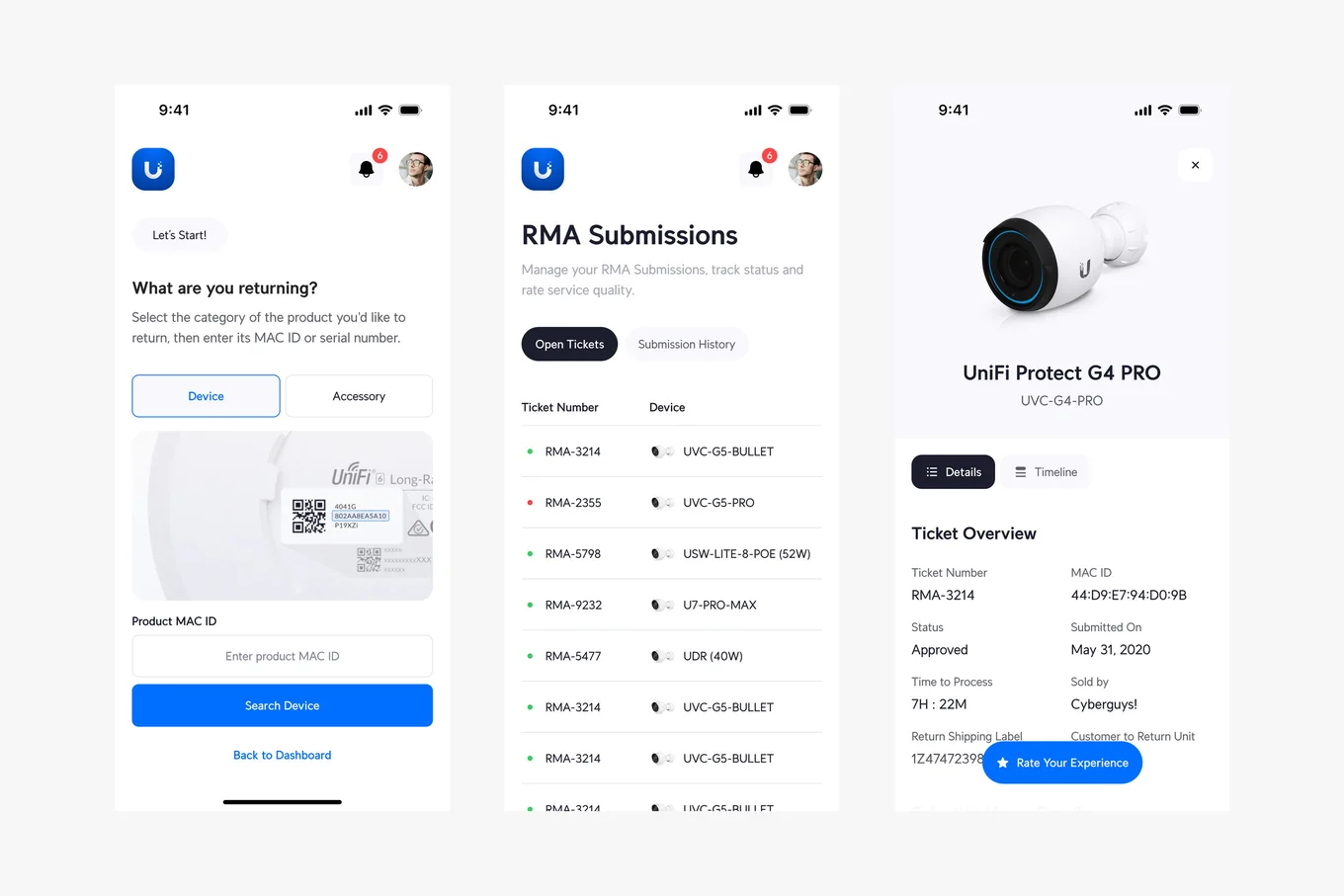
Centralized platform designed to streamline the management of product returns and warranty claims at Ubiquiti Inc. It provides end-to-end visibility and automation for RMA workflows, enabling faster resolutions, enhanced communication, and improved efficiency for customers, suppliers, and internal teams across global operations.
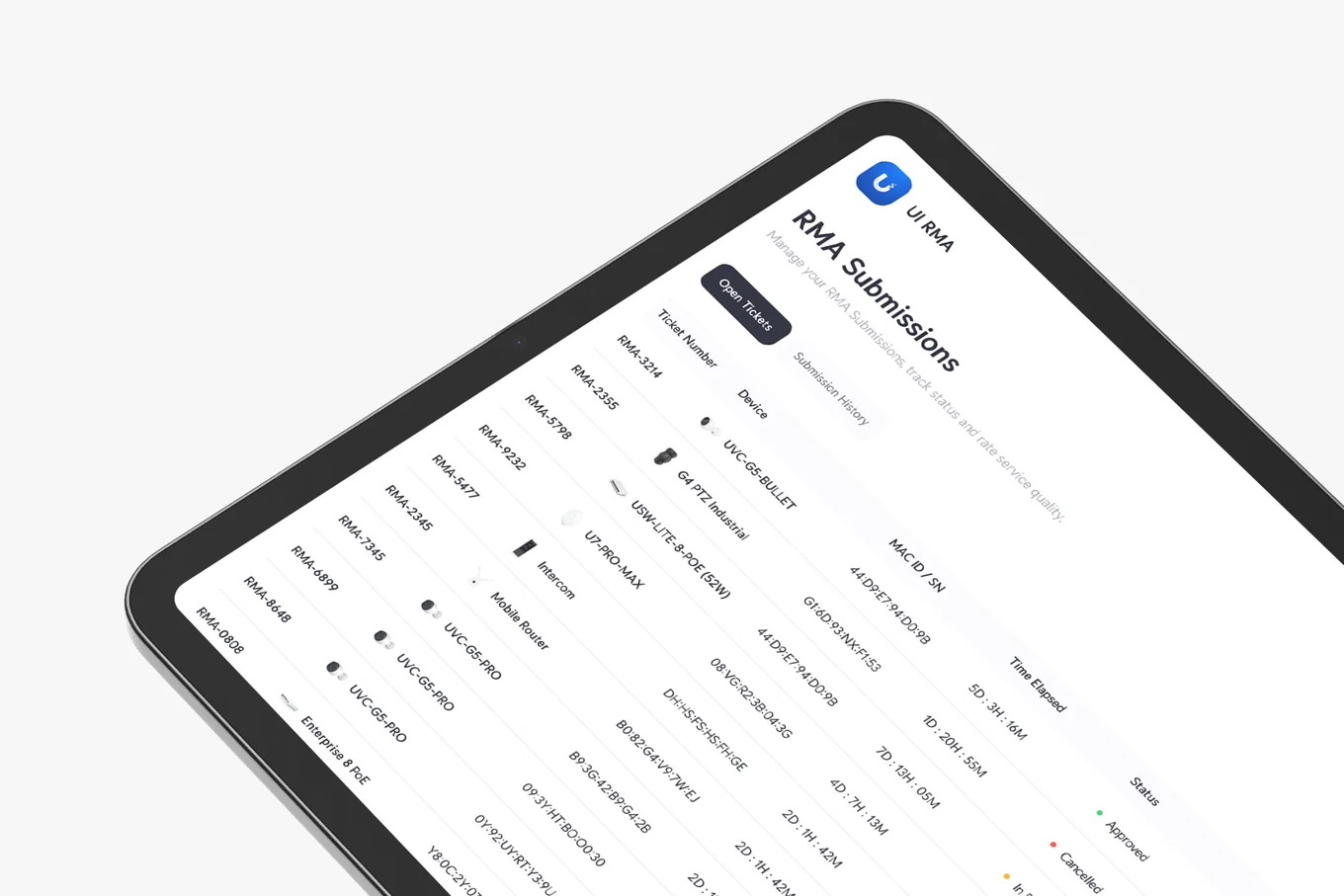
Challenge
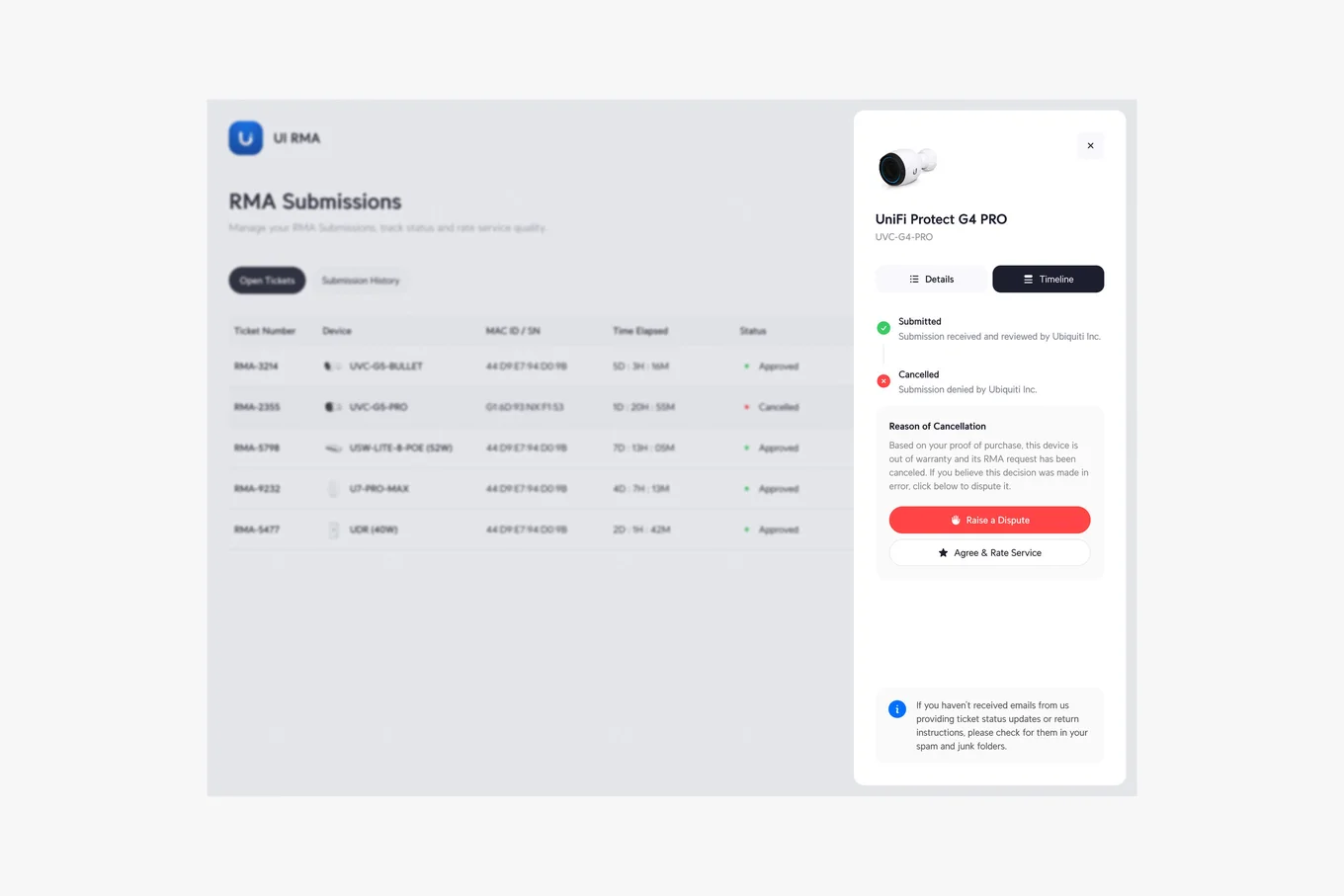
Before my involvement, the RMA Portal lacked user-friendly workflows, had limited features, and contained several dead ends that frustrated users. These issues caused inefficiencies, delays, and incomplete cases, impacting both customers and internal operations.
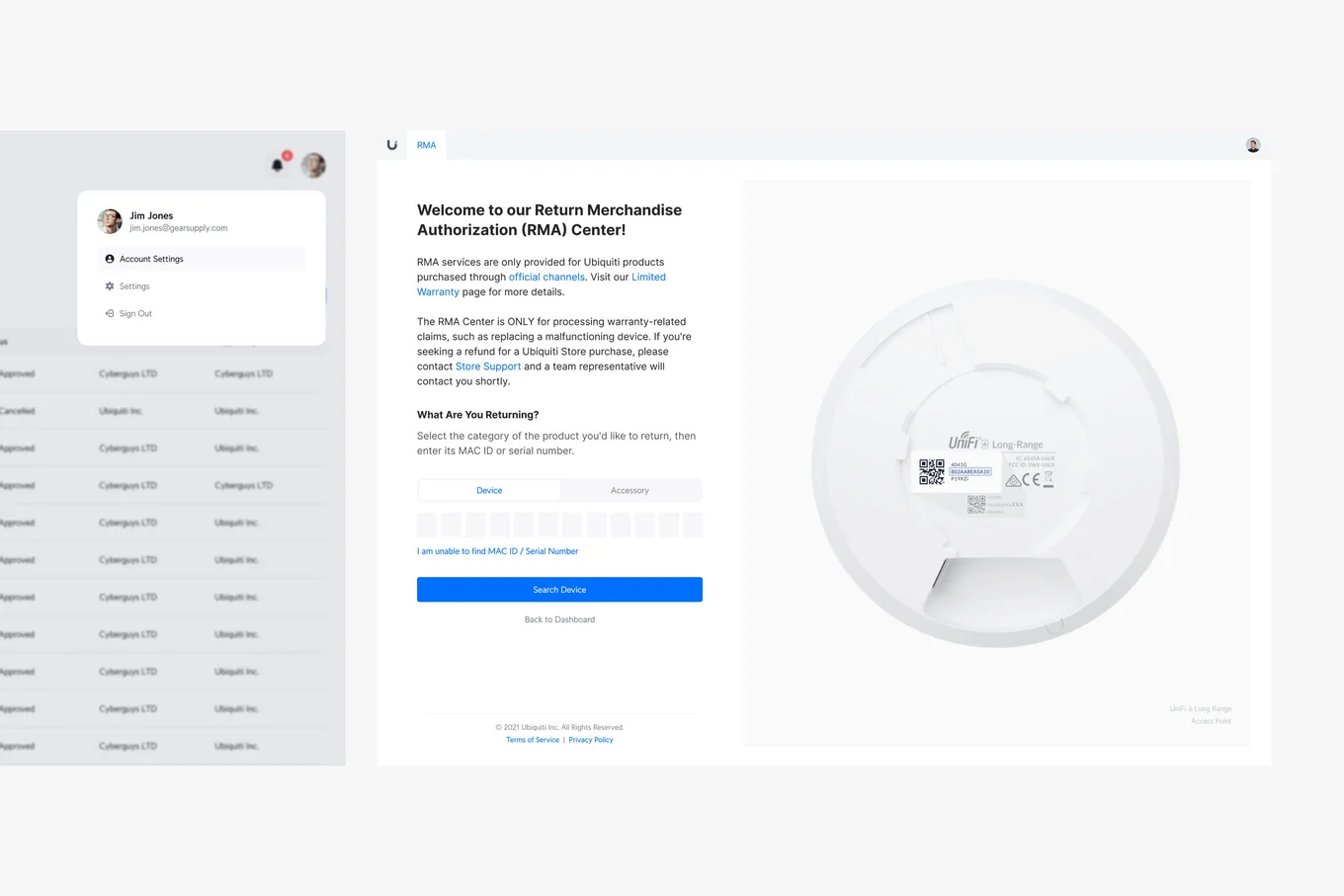
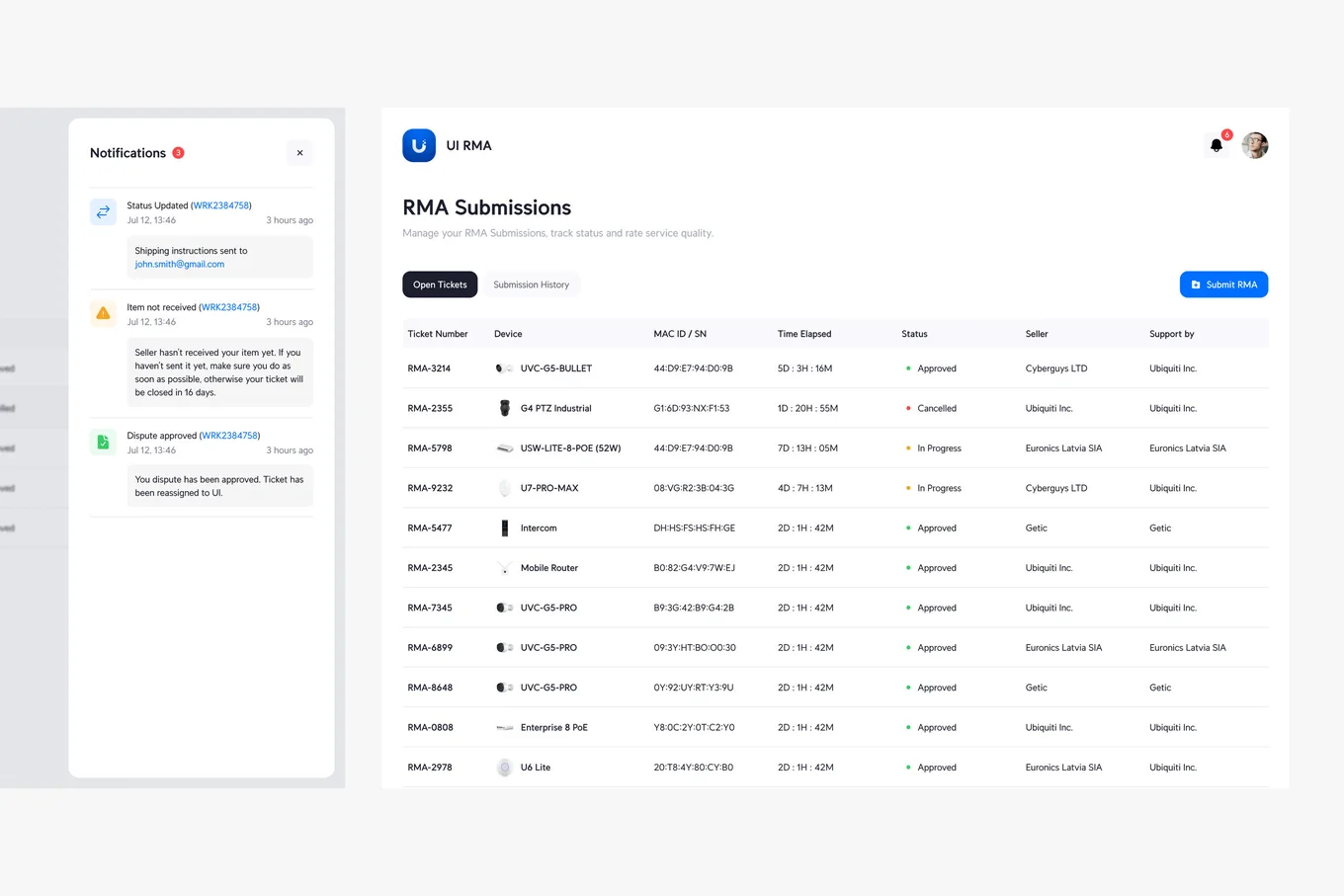
Solution
By conducting comprehensive user research and usability audits, I identified key areas for improvement in the platform’s workflows and interface. I redesigned critical touchpoints, introduced new features like automated updates and enhanced tracking, and addressed edge cases to eliminate user dead ends.