
OPSWAT MetaDefender™ Endpoint
A design-system exploration for OPSWAT’s future customer-facing products, carried by the one piece of security software every employee has on their device. The aim: an app that arrives set up for the person using it, and asks for their attention as rarely as possible.
Overview
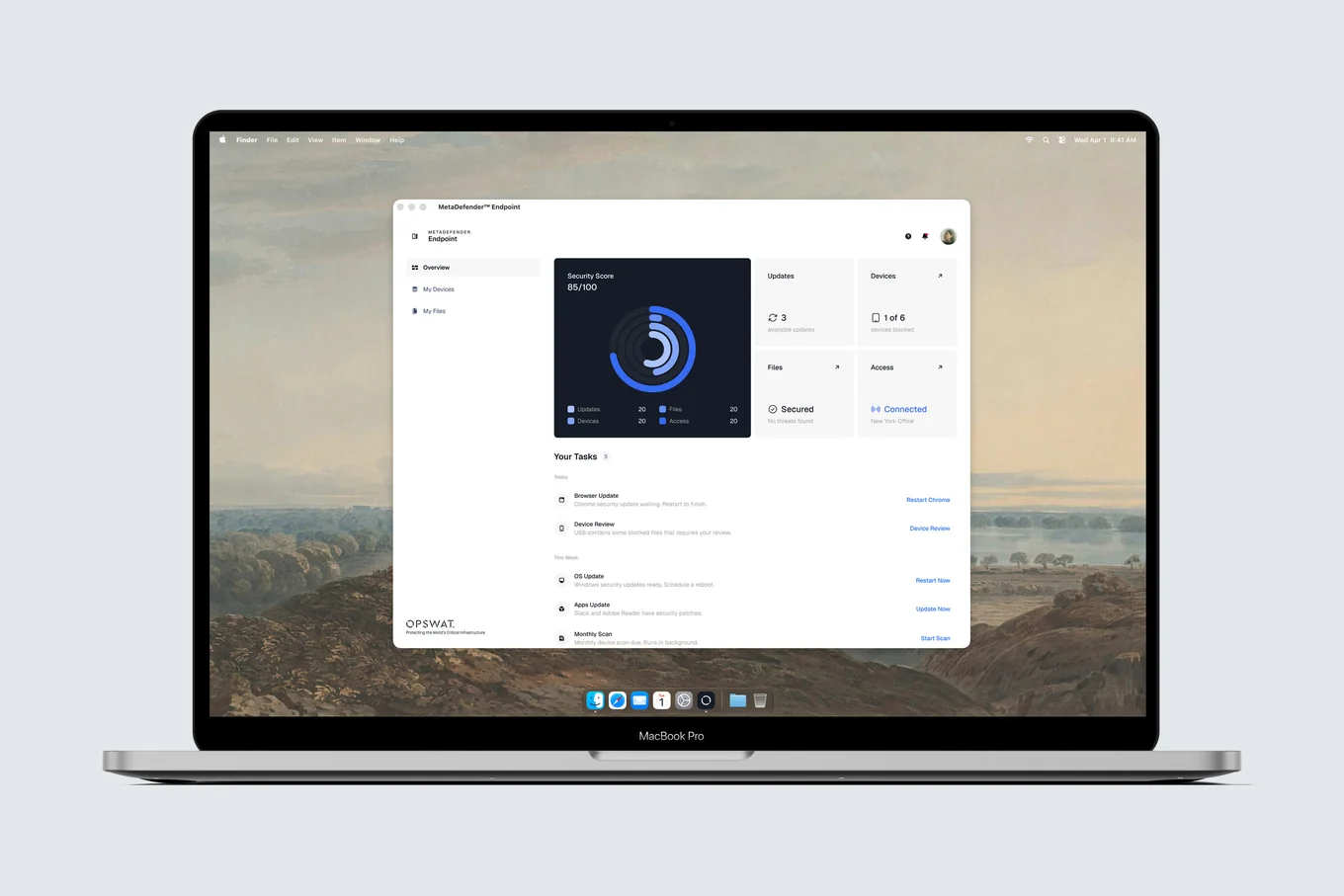
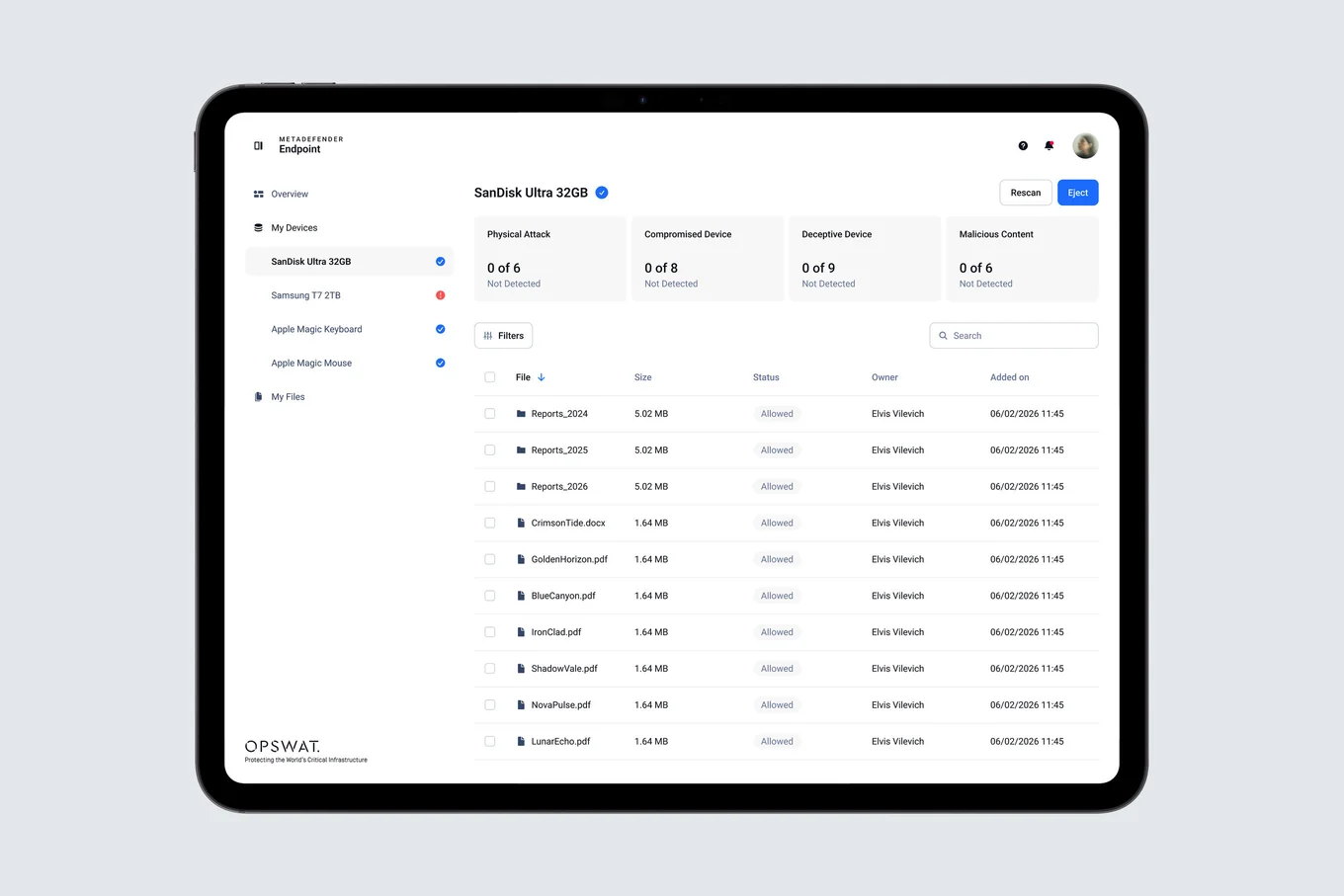
MetaDefender Endpoint is the OPSWAT app employees actually see: it blocks risky USB devices, scans files and keeps machines compliant, while IT runs it from an admin console.
It was also the first product in a separate end-user layer of Blue Line. Our design system was built for dense admin consoles, so this asked a different question: what should OPSWAT look like to people who aren’t security experts?
Challenge
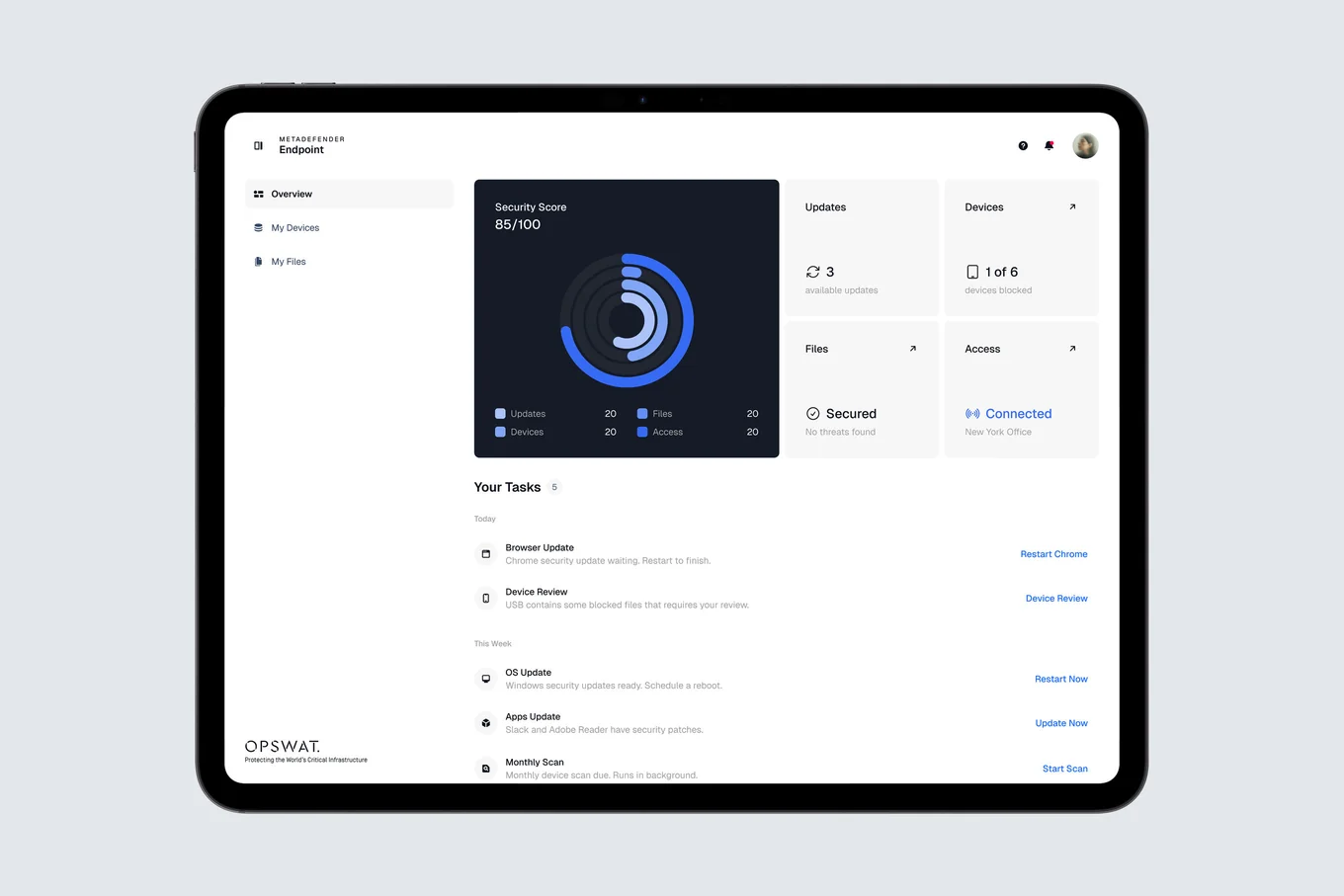
The people who approve the product rarely operate it, so its everyday experience had been left to decay — and it over-asked, with a steady drip of interruptions that all ended at “contact your IT administrator.” There was no telemetry on the behaviour that decided everything, whether people bypass the tool, which was itself a finding.
Solution
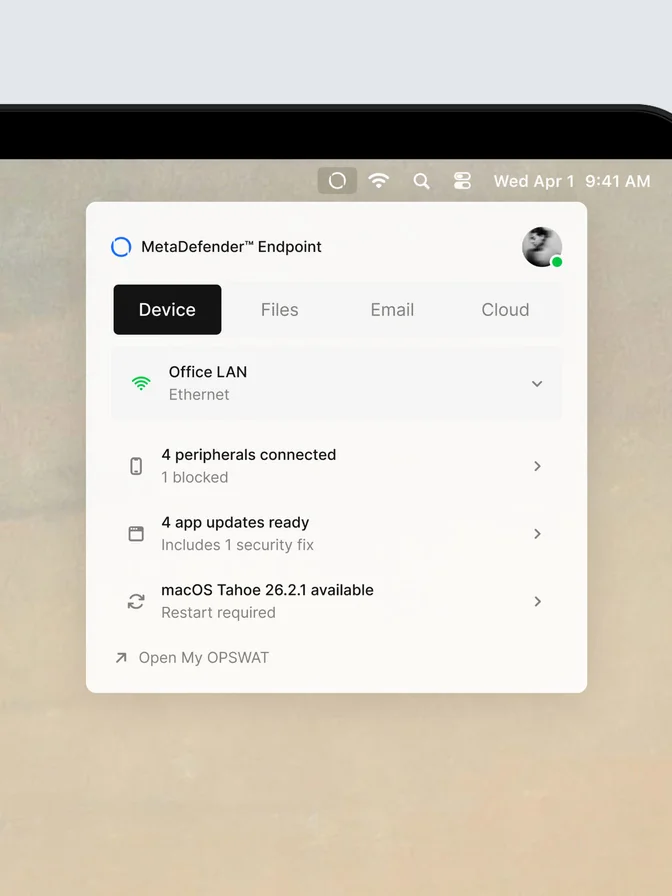
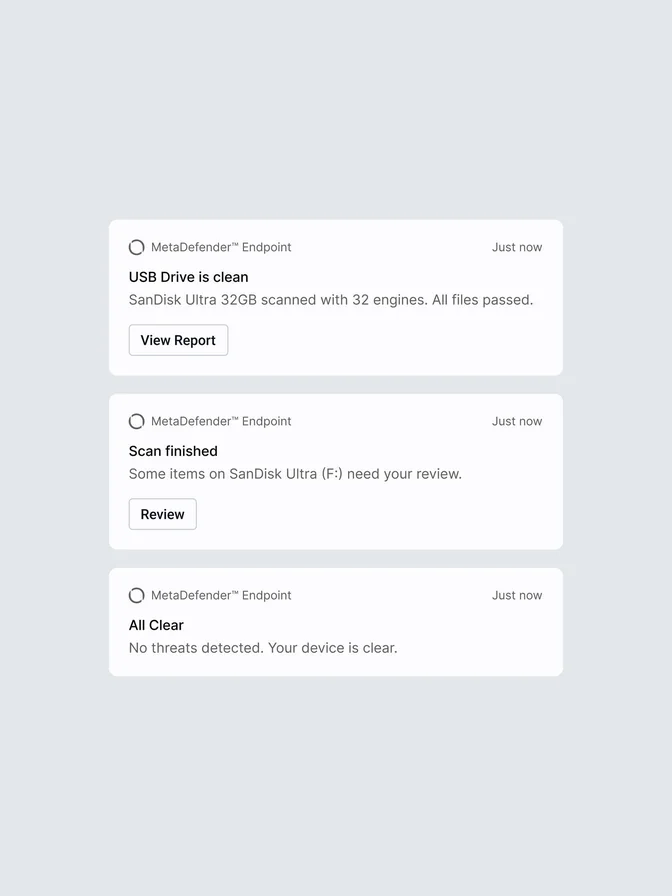
An app that arrives already set up: the admin assigns a user type and it adapts its language, how often it speaks and how much it handles on its own. Silence is the default — low-severity events resolve themselves and are logged, and where policy allows the app fixes the problem and leaves a plain past-tense receipt: “Your firewall was turned on automatically.” Most of the time it is a small menu-bar widget, and when something genuinely needs a person, the message says what happened, what was done, whether they’re fine, and offers one action.
Findings
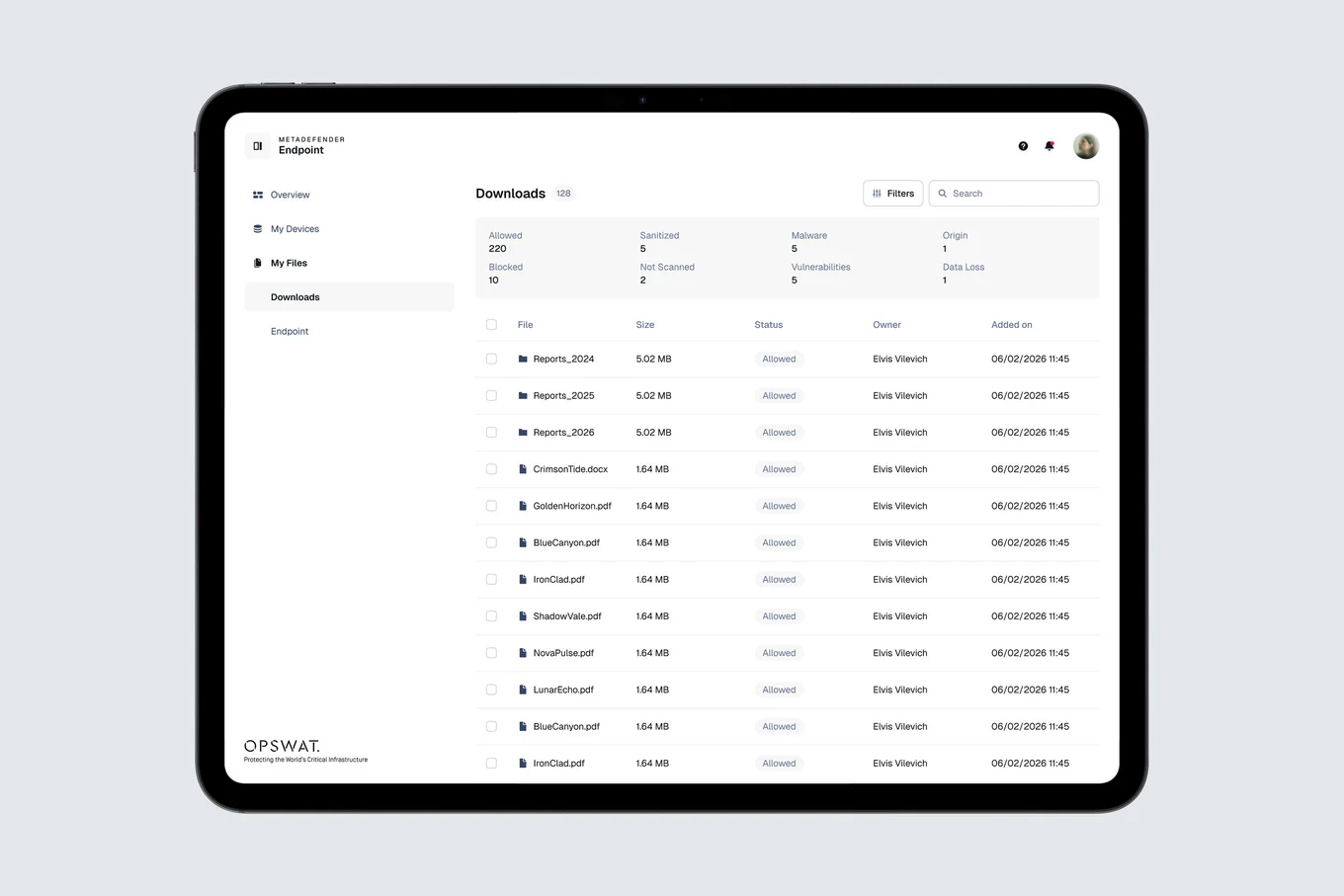
Presented up to CEO level and adopted as the end-user direction, across five prototype generations built as real, clickable software. The end-user layer of Blue Line is the part meant to outlast Endpoint. I left before full production rollout, so this is a direction, not shipped metrics.